


I understand why parents have this question: “Should I buy my child a 3D printer?”
The real questions underneath are: Will they actually use it? How much will I need to help? Is it safe? Will it just become another expensive device gathering dust?
As an educational psychologist and a parent, I’ve worked with children of different ages and watched them interact with 3D printers. Let me be clear from the start: a 3D printer is not the next digital pacifier. It’s not a device to keep your child occupied while you do other things. It’s a developmental tool that requires – and rewards – your engagement. This is how you easily spend quality time together. So yes, plan to engage. Plan to invest your time. That investment is what deepens your child’s interest and transforms a device into genuine learning and connection.
Here’s what you need to know, sorted by age. Keep in mind these are approximate frames – children vary significantly in their development, interests, and capabilities.
Ages 8-10: You’re the Co-Creator
Reality check: Your 8-10 year old won’t independently run a 3D printer. They shouldn’t. But they can absolutely participate meaningfully and even start designing.
Your involvement: High. Plan to spend 30-60 minutes together per printing session. You’ll handle the technical aspects – loading filament, starting prints, troubleshooting. They’ll handle the creative aspects – choosing what to print, selecting colors, designing simple shapes in TinkerCad, or creating art on paper that you help convert into 3D models.
What they actually do: Browse pre-made designs, start learning TinkerCad basics (simple shapes, moving and combining objects), draw designs on paper and photograph them for you to help convert into 3D printable models, watch the printing process with genuine fascination. They can create basic designs – simple toys, name tags, basic geometric combinations, or see their own drawings become physical objects. The learning happens through doing, with your guidance.
Developmental benefit: At this age, 3D printing teaches patience (prints take time), spatial reasoning (2D screen becomes 3D object), basic design thinking, and the powerful concept that their own drawings and ideas can become real. They’re beginning to master technique, not just observing.
Keeping them engaged: Show their creations to friends and classmates. Children this age crave peer recognition. When their friends see what they made and say “that’s cool!”, it validates their effort and fuels continued interest.
Parent perspective: This is quality time where you’re learning together, but they’re also developing real skills. The printer becomes a shared project with growing independence.
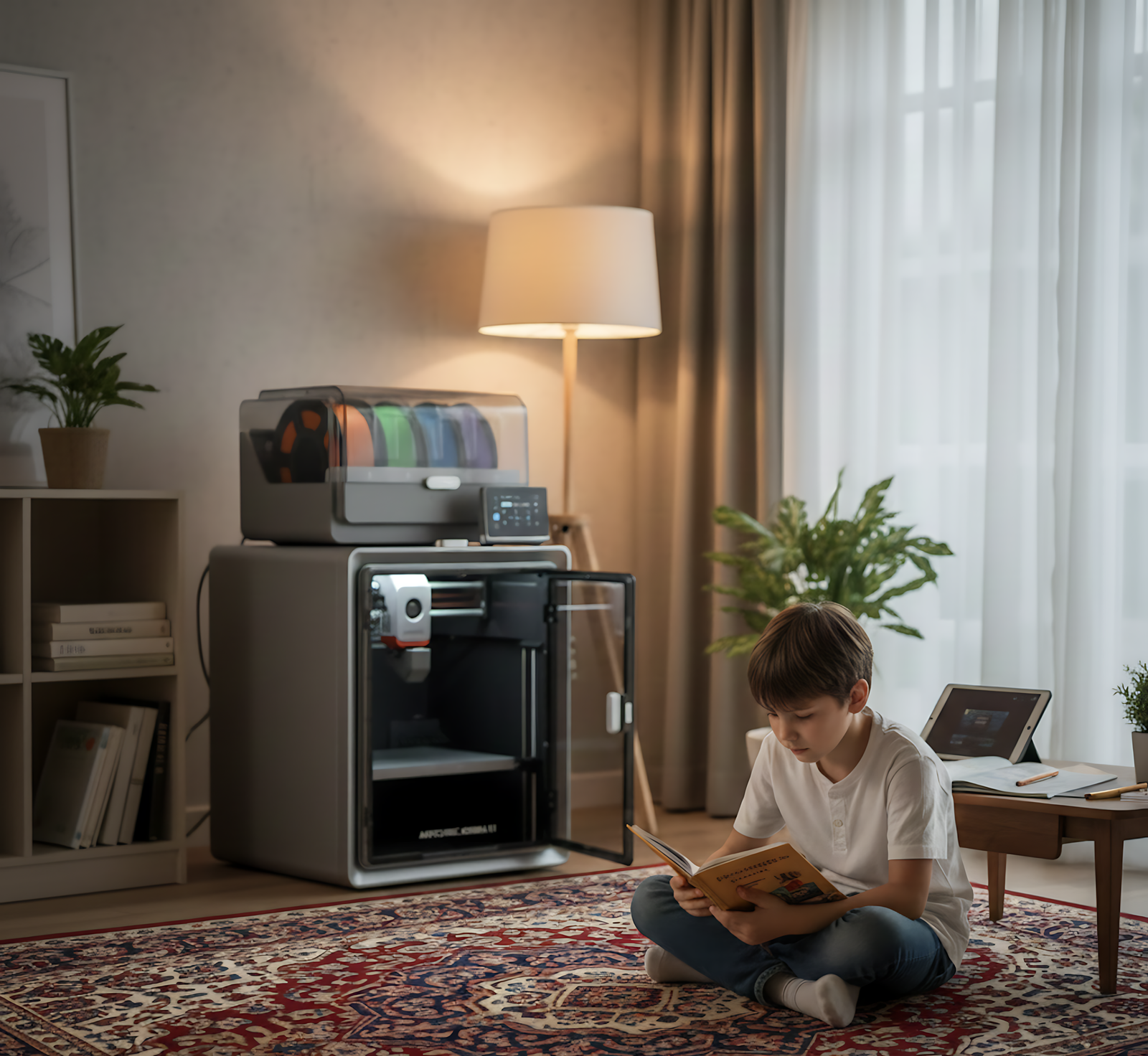
Ages 11-13: Supervised Independence and Serious Design
Reality check: This age can design genuinely complex objects and start exploring professional design tools. But they still need you available for support and safety supervision.
Your involvement: Medium. You’ll introduce them to TinkerCad first, then when they’re ready, help them explore more advanced tools like Fusion 360 or Blender. You’ll supervise printing initially. You’ll troubleshoot when things go wrong, which they will.
What they actually do: Create complex designs in TinkerCad and begin learning professional software. Start prints independently after training. Problem-solve with your guidance when prints fail. Understand why designs work or don’t work. Begin creating functional objects, not just decorative ones.
Developmental benefit: Real problem-solving and technical skills emerge. When a design doesn’t print correctly, they learn to identify why and iterate. This is genuine engineering thinking. They’re developing patience, frustration tolerance, and mastery over professional tools adults use.
Keeping them engaged – This is crucial: Peer approval becomes absolutely essential at this age. From pre-puberty through teenage years, what their friends think matters more than what parents think – and that’s developmentally normal.
Create or find a community: kids who have 3D printers, kids who are highly interested but don’t have them yet, friends who want to see what they’re making. When their peer group sees their designs and says “wow, can you make me one?”, that validation is powerful. It’s not about parent praise anymore – it’s about peer recognition and belonging to a community of makers.
Consider connecting them with other young makers online or locally. School maker clubs, online communities for young designers, even just a group chat where they share their latest prints – this social element often determines whether they stay engaged or lose interest.
Parent perspective: You’re transitioning from doing it together to supervising while they do it. The printer becomes their creative outlet and potential social currency with peers.
Ages 14-15: Real Autonomy (With Guidelines)
Reality check: Teenagers at this age can genuinely run a 3D printer independently. They can design original complex objects in professional software, troubleshoot problems, and take ownership of projects from start to finish.
Your involvement: Low-moderate. You set safety rules and check in periodically. You’re available for complex problems or when they want to try something new. But daily operation? They’ve got it.
What they actually do: Design functional objects in Fusion 360 or Blender, create solutions to real problems, potentially start small businesses (like my son did), experiment with different materials and settings, teach themselves advanced techniques through YouTube and online communities.
Developmental benefit: This age is about identity formation and competence. A 3D printer gives them genuine mastery over something adults don’t typically understand. It builds confidence, creative problem-solving, and entrepreneurial thinking. The skills they develop – professional design software, patience, systematic troubleshooting, understanding material properties – are genuinely valuable and marketable.
The peer factor at peak importance: At this age, peer approval isn’t just nice – it’s crucial for sustaining interest. Teenagers need to feel their skills are recognized and valued by their social circle.
Having a community of other makers – whether online, at school, or in maker spaces – means everything. When they can share their work, get feedback, see what others are creating, and feel part of something bigger than solo printing at home, engagement stays high.
Even better: when classmates without printers come to them with “can you help me make this?”, they become the expert, the problem-solver, the person with valuable skills. That social positioning is incredibly motivating for teenagers.
Parent perspective: You’re providing tools for independence and potentially professional skill development. The printer becomes their domain, their expertise, their entry into a maker community.
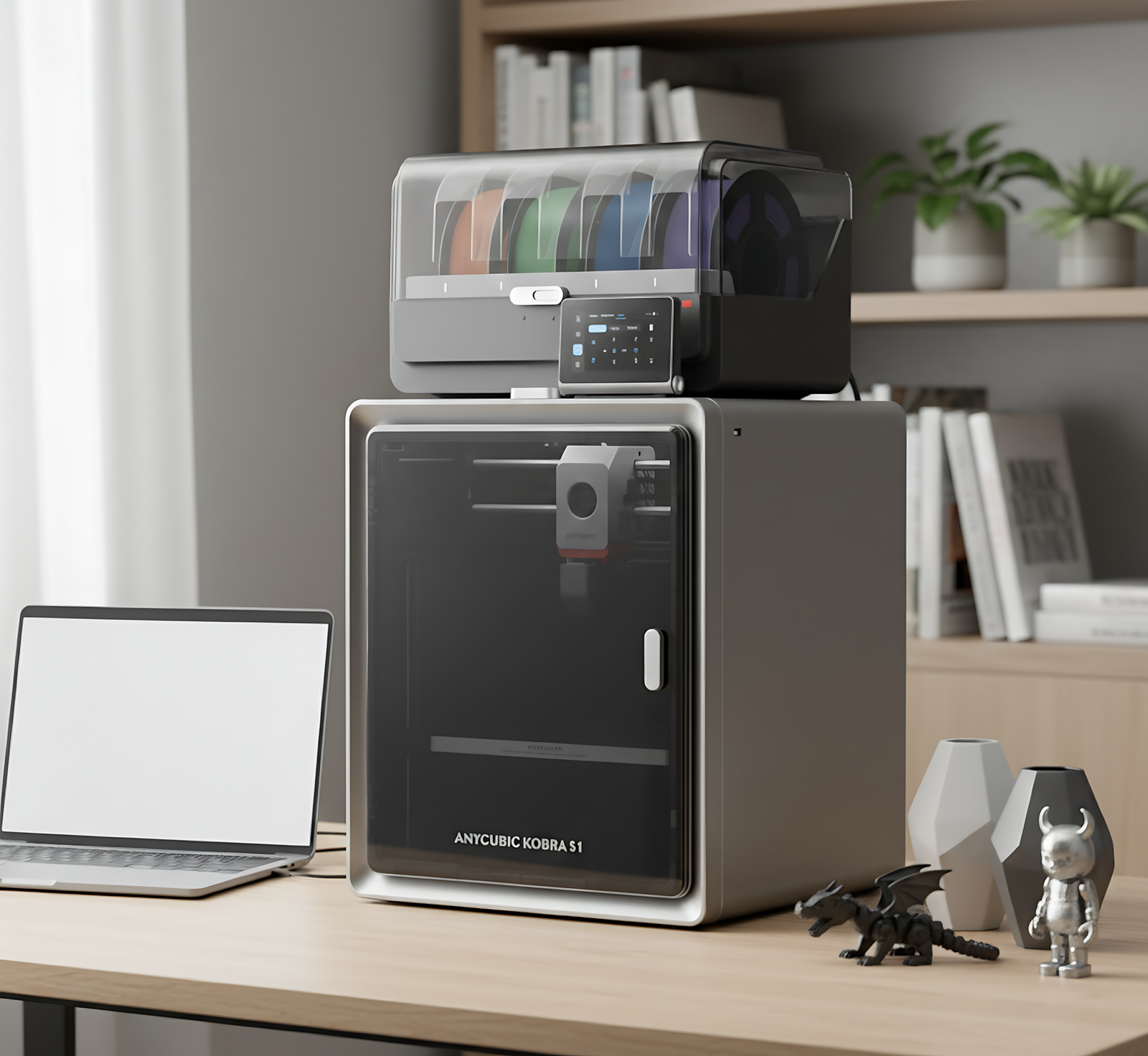
Why the Anycubic Kobra S1 Combo Works for Families
After comparing many printers, this is what makes the Kobra S1 Combo particularly suitable for children: it’s fully enclosed (safety), operates at only 44dB in quiet mode (won’t disrupt the household), features automatic bed leveling (one less technical barrier), and can be set up and printing within 15 minutes.
The fully enclosed CoreXY design with 320°C hotend capability means it handles all standard filaments safely. The automatic bed leveling simplifies setup for beginners, while the user-friendly touchscreen interface makes operation intuitive even for kids.
Most importantly: it works right out of the box. You’re not spending weekends calibrating and adjusting. You unpack, follow simple setup, and you’re printing. That matters enormously when you’re introducing technology to children.
The Honest Truth About Engagement
What won’t happen: Your child won’t print something every single day. Interest will wax and wane. Some projects will fail. They’ll get frustrated sometimes.
What will happen: When they have an idea, they can make it real. When something breaks, they can print a replacement. When they want to give a meaningful gift, they can design it. The printer becomes a tool they return to when they need it, not necessarily a daily activity.
From an educational psychology perspective: This is exactly right. We don’t want another screen addiction. We want a tool that serves authentic purposes – creation, problem-solving, meaningful making. The value isn’t in daily use; it’s in being available when imagination meets need.
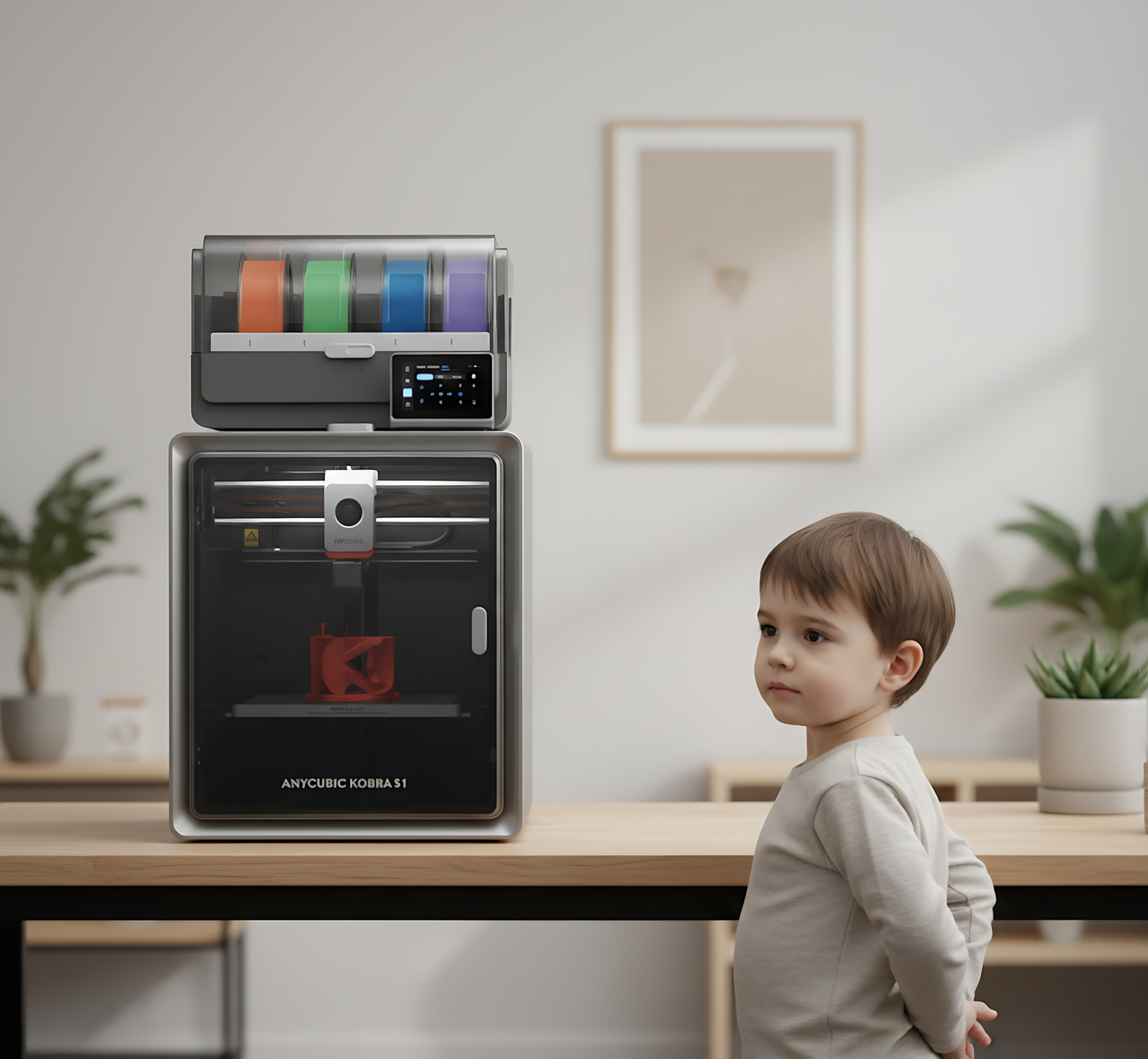
Safety Real Talk
The enclosure matters. Young children can’t reach hot parts. Older kids work within a controlled environment.
General guidelines:
- 8-10: Stay nearby during printing, check in regularly
- 11-13: Be available, periodic check-ins
- 14-15: Establish clear safety rules, trust their growing responsibility
The fully enclosed design of printers like the Kobra S1 Combo significantly reduces safety concerns. The 44dB quiet operation means you can have the printer running without it disrupting homework, sleep, or family time.
What Makes It Worth It
As an educational psychologist, I’ve watched countless educational tools fail because they’re “educational” first and engaging second. 3D printing works because it’s genuinely interesting. The education happens naturally through pursuit of creation.
As a parent, I’ve seen my own children transformed by having a 3D printer. Not because they use it constantly, but because it changed what they believe is possible. They see problems and think “I could make something for that.” They approach challenges with a creator’s mindset, not just a consumer’s perspective.
The Kobra S1 Combo specifically works for families because it removes technical barriers while maintaining safety. You’re not becoming a 3D printing expert to give your child this experience. You’re providing a tool that actually works as promised.
Setting Realistic Expectations
Month 1: High excitement. Lots of printing. You’re both learning. Expect some failed prints and learning curves.
Months 2-3: Interest stabilizes. They print when they have specific ideas or needs, not just to print.
Months 4-6: Patterns emerge. Maybe they’re designing gifts. Maybe they’re solving household problems. Maybe they’ve found a niche (like my son with swords, or jewelry, or functional objects).
Months 6+: The printer becomes a tool, not a toy. It’s there when they need it. That’s success.
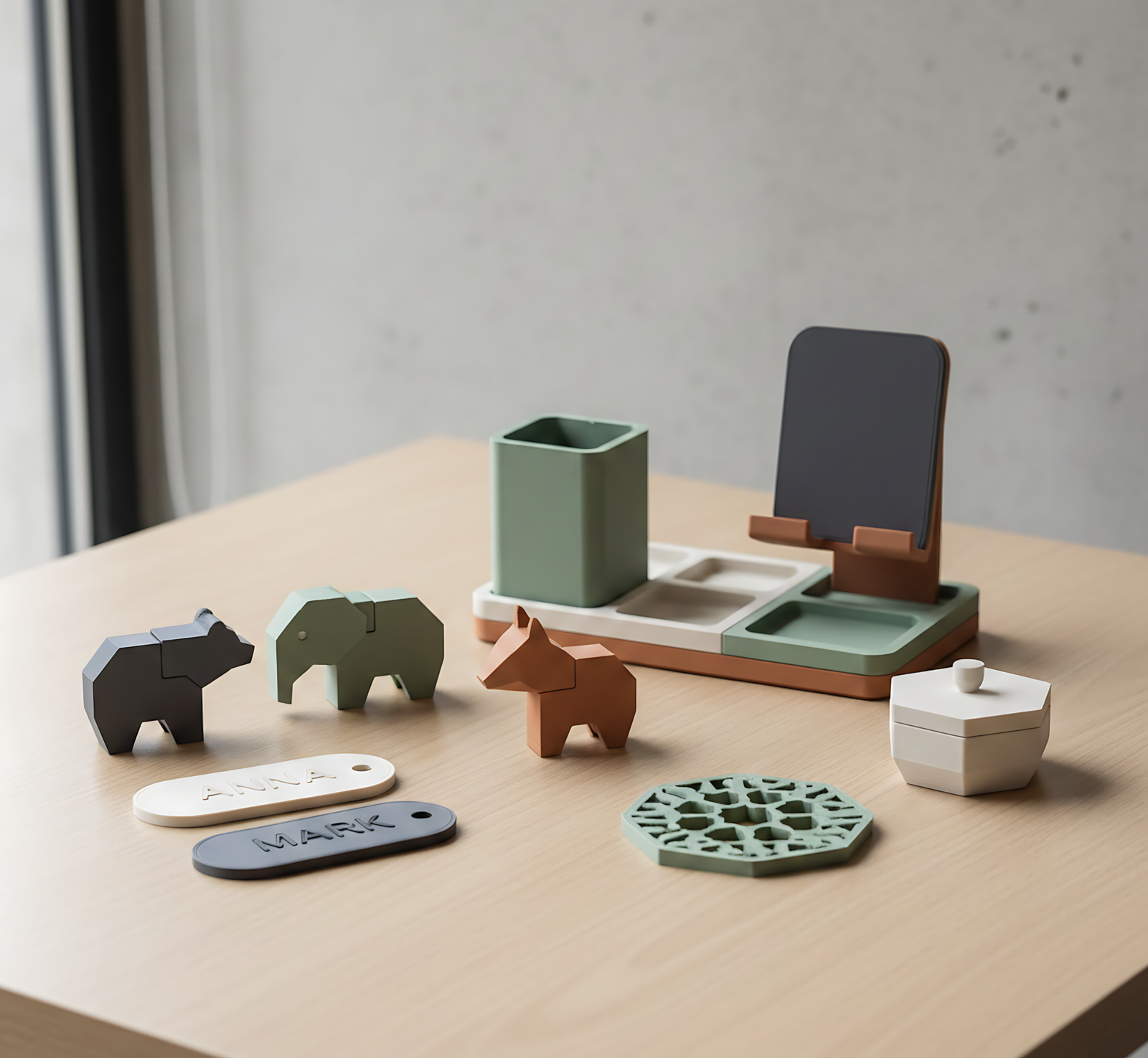
The Investment Perspective
A 3D printer isn’t a toy. It’s not entertainment. It’s a tool for creation, problem-solving, and developing genuine skills.
From a parent: It’s an investment in your child’s confidence, creativity, and capability.
From an educational psychologist: It’s a developmentally appropriate way to teach spatial reasoning, patience, systematic problem-solving, and the satisfaction of making something real.
The Anycubic Kobra S1 Combo specifically? It’s the right balance of capability, safety, and ease-of-use for families. You’re not buying the cheapest printer (which will frustrate you) or the most advanced (which is overkill). You’re buying what actually works for children at different developmental stages.
That’s the printer we use. That’s what I recommend to parents asking this question. And that’s what has transformed how my children approach creativity and problem-solving.
Ready to bring 3D printing into your home? The Anycubic Kobra S1 Combo is available through our shop, with setup support and guidance included.
Leave a Reply